FaceScreen vs Hand Mirror vs Mirror Magnet for Mac
A practical feature-by-feature comparison of FaceScreen, Hand Mirror, and Mirror Magnet for camera overlays, ring light, and always-on-top workflows.
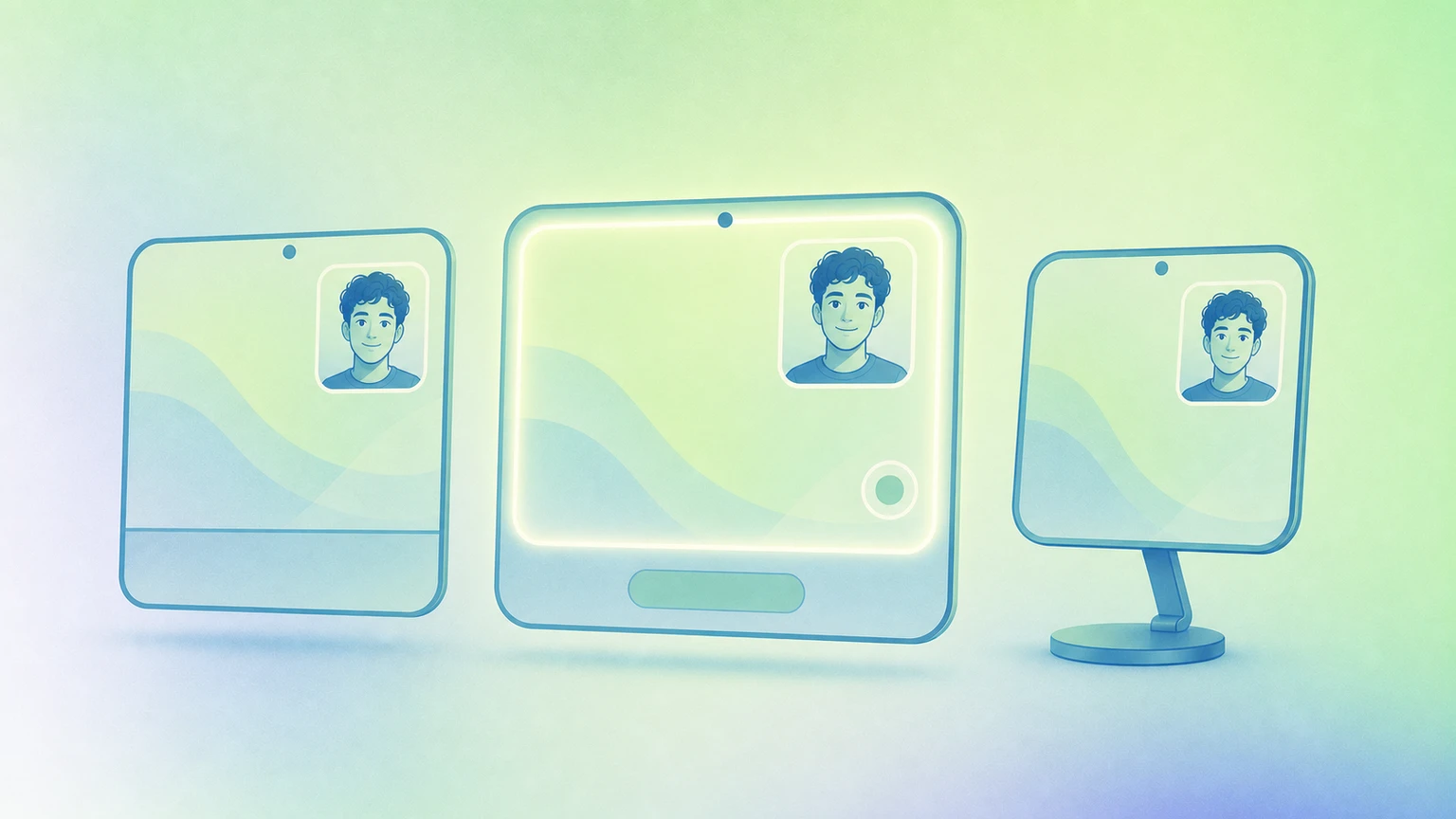
If you use your webcam while recording tutorials, presenting, or joining meetings, these three Mac apps come up often: FaceScreen, Hand Mirror, and Mirror Magnet.
This guide compares them side by side so you can pick the right one quickly.
Quick comparison table
| Feature | FaceScreen | Hand Mirror | Mirror Magnet |
|---|---|---|---|
| Camera overlay | (available on paid plans) | ||
| Most camera overlay customization options | |||
| 3D camera overlay shape controls | |||
| Drag to move the camera overlay | |||
| Text label next to camera | |||
| Multiple camera overlays at the same time | |||
| Configure each camera overlay differently | |||
| Ring Light (screen edge light) | |||
| Configure ring light per connected display | |||
| Camera overlay notch trigger | |||
| Native macOS app | |||
| Overlay stays on top across full-screen apps and all desktops |
What each app is best at
FaceScreen
FaceScreen is the strongest pick when you want a complete on-screen presence layer:
- Camera overlay for calls, demos, and recordings.
- Most camera overlay customization options among the three apps.
- Camera overlay shape options, including 3D shape controls.
- Text label beside your camera (name, role, handle, or brand).
- Multiple camera overlays at once.
- Per-overlay customization (shape, placement, style, and behavior for each feed).
- Built-in Ring Light.
- Per-display Ring Light settings for multi-monitor setups.
- Broad support for staying visible over everyday and full-screen workflows.
Hand Mirror
Hand Mirror is excellent for fast camera checks from the menu bar before you join calls.
Its standout feature is the notch trigger on compatible MacBooks, which can instantly open camera preview from the notch area. For more advanced overlay behavior, users typically move to Hand Mirror Plus features.
Mirror Magnet
Mirror Magnet is focused on a single, polished floating camera window with visual customization (shape, border, effects, and positioning). It is a good fit if your main need is one camera bubble that stays handy and configurable.
Key takeaways
If your workflow needs more than a basic single camera preview, FaceScreen has clear advantages:
- FaceScreen is the only app with a text label attached to camera overlays.
- FaceScreen is the only app that supports multiple camera overlays at the same time.
- FaceScreen lets you configure each overlay independently.
- FaceScreen has the most camera overlay customization options among the three.
- FaceScreen is the only app with 3D camera overlay shape customization.
- FaceScreen is the only one with a built-in Ring Light.
- FaceScreen lets you configure Ring Light settings separately for each display.
Recommendation by use case
- Choose FaceScreen for content creators, presenters, educators, streamers, and anyone who wants persistent camera + branding + lighting controls.
- Choose Hand Mirror for quick pre-call checks and notch-trigger convenience.
- Choose Mirror Magnet if you prefer a simpler one-window camera mirror with styling controls.