FaceScreen Is Now Available for iPhone and iPad
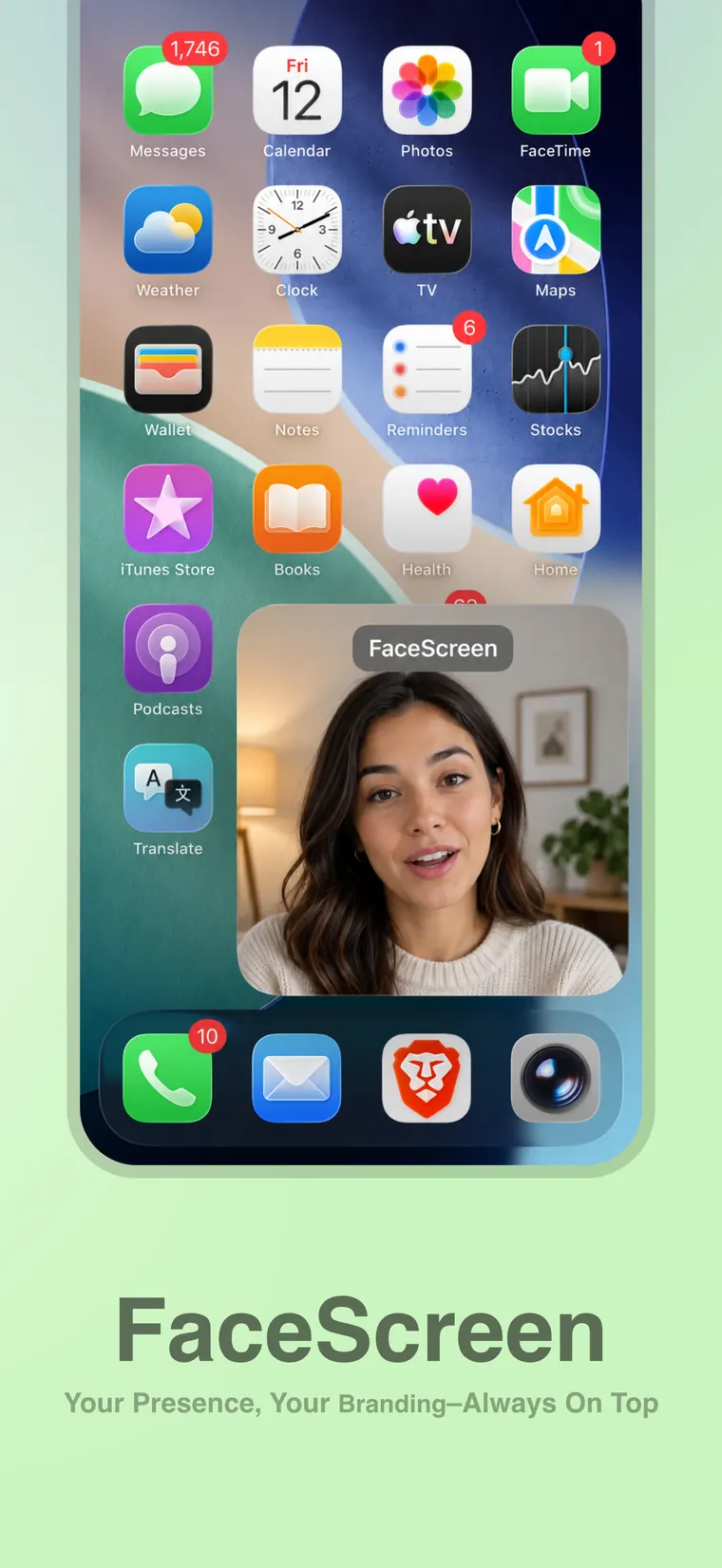
FaceScreen now supports iOS and iPadOS, so you can record your screen with your face, name, brand, website, or social handle visible.
FaceScreen is now available for iOS and iPadOS, in addition to macOS.
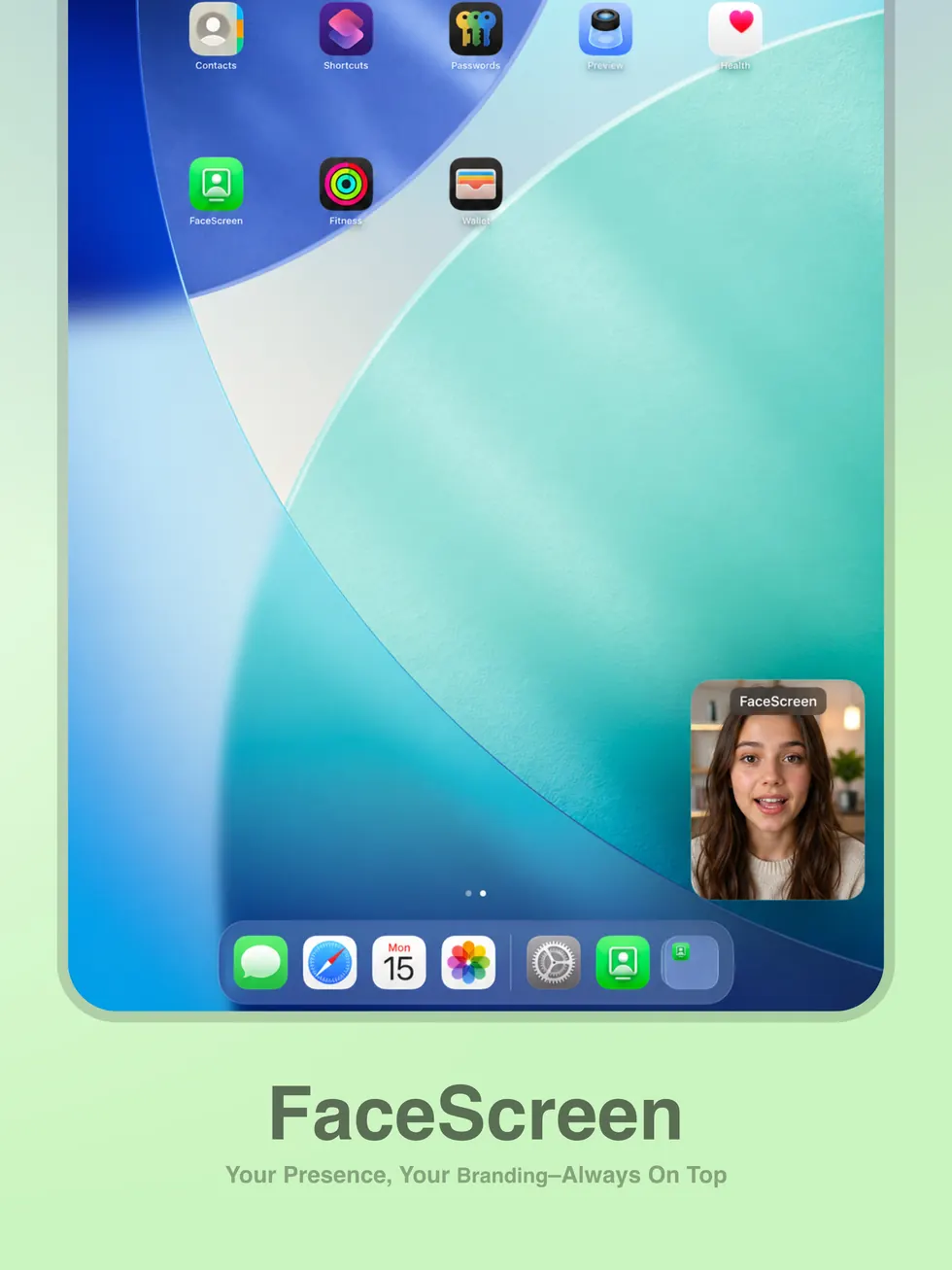
That means you can now record your iPhone or iPad screen while keeping your face visible on top, along with a text label for your name, brand, website, or social handle. It is the same basic idea as FaceScreen on Mac: your audience should not have to choose between seeing the screen and knowing who is speaking.
Why this matters on iPhone and iPad
Screen recordings from mobile devices are often useful, but they can feel anonymous. A clean face overlay adds context, personality, and trust, especially when the recording is going to YouTube, TikTok, Instagram, X, LinkedIn, a course, or a customer support thread.
With FaceScreen on iPhone and iPad, you can:
- Show your face while recording an app, website, or mobile workflow.
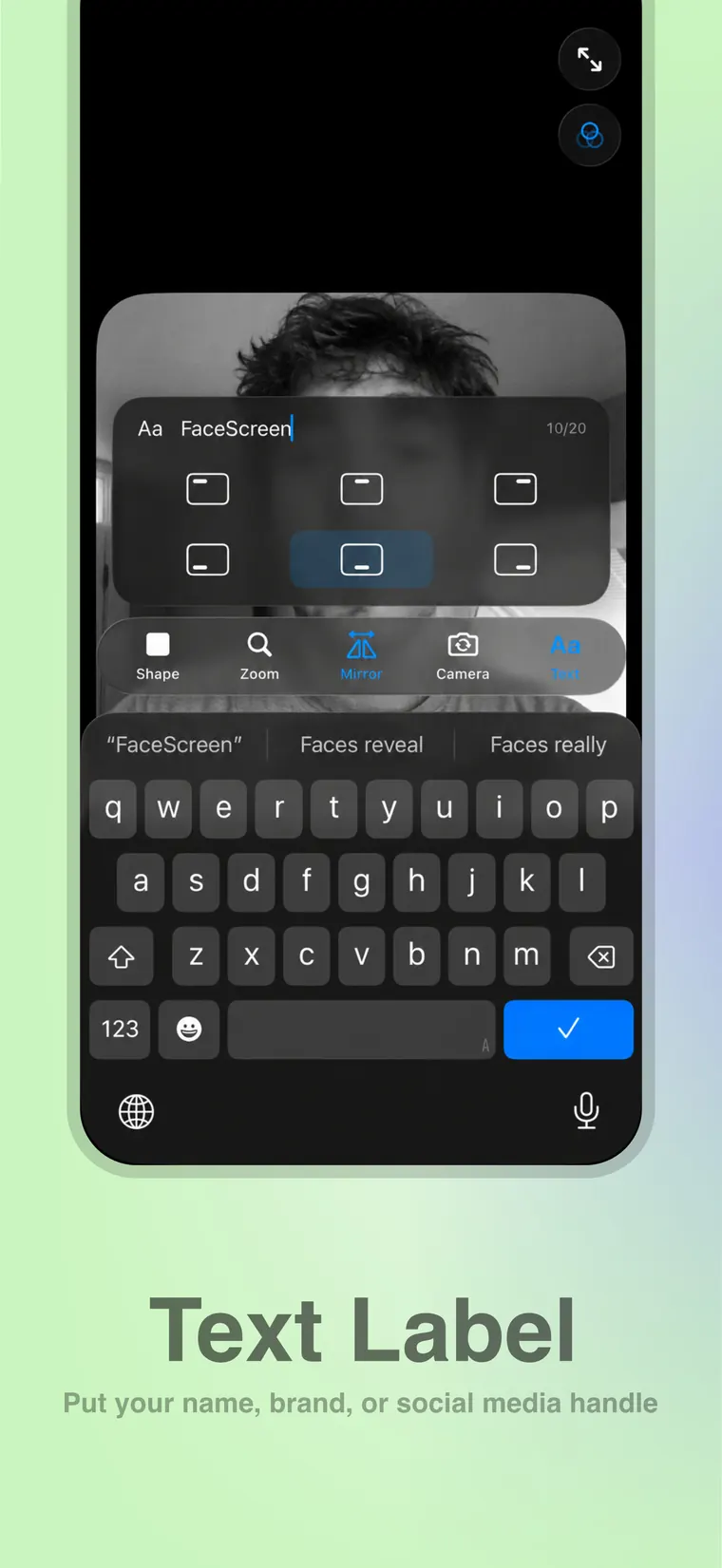
- Add a text label with your name, brand, website, or social handle.
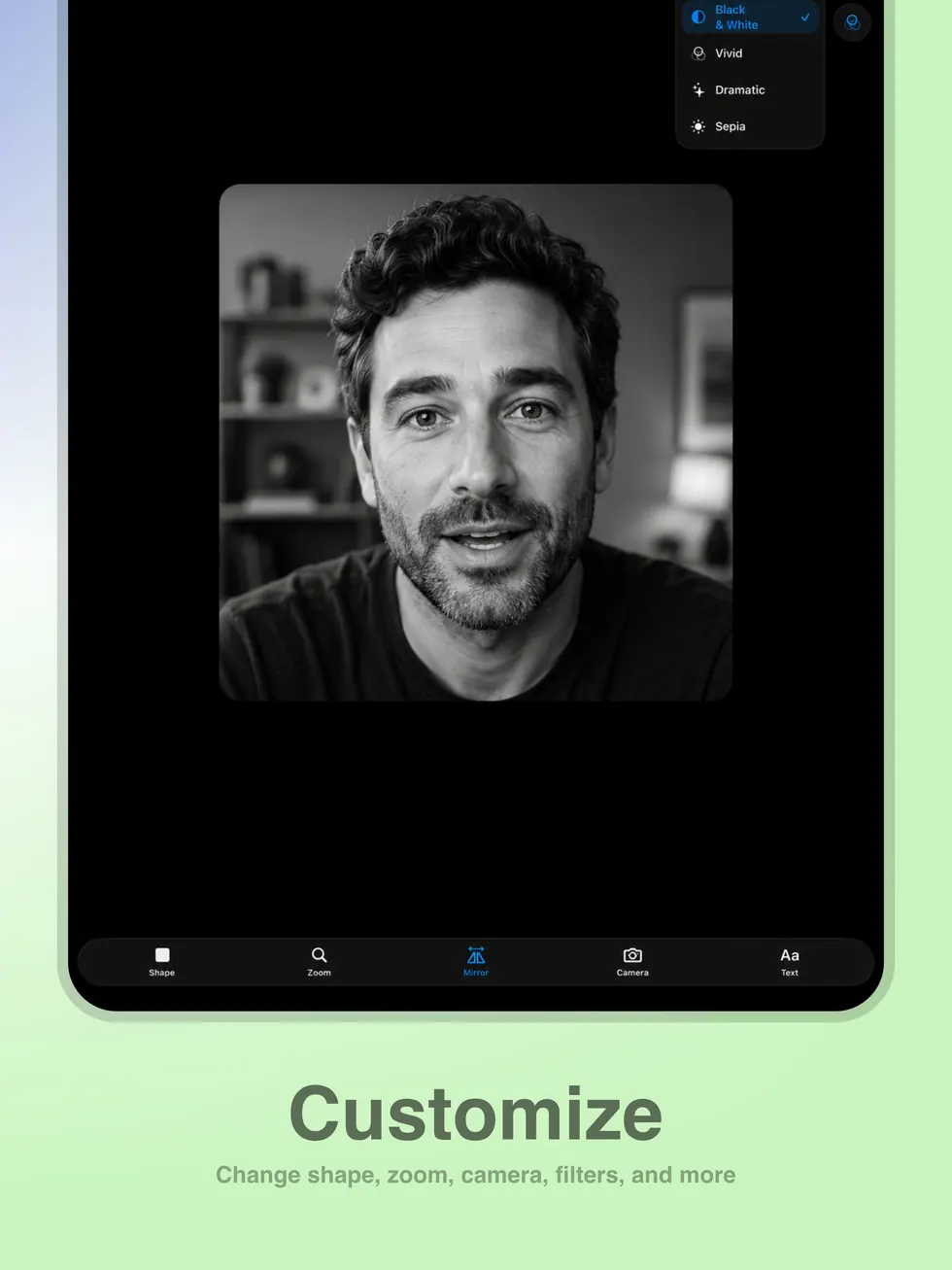
- Adjust the camera shape, zoom, mirroring, camera source, filters, and label position.
- Keep your recording more personal without editing in a face cam afterward.
Built for mobile creator workflows
FaceScreen is useful anywhere a screen recording benefits from a visible presenter. A few examples:
- Reaction videos where viewers should see your expression while you respond.
- App walkthroughs and mobile product demos.
- Tutorials for iPhone or iPad apps.
- Website reviews from a mobile browser.
- Social clips where your face and handle should stay visible.
- Support videos where you need to explain what is happening on screen.
The text label is especially handy for public clips. Instead of relying on a caption, watermark, or edited lower third, you can place your name, brand, website, or handle directly near your face while recording.
Customize the look before you record
The iPhone and iPad versions include the controls you would expect from FaceScreen: shape, zoom, mirror, camera, filters, and text. You can keep the overlay simple for a quick recording, or make it feel more branded when the video is meant to be shared publicly.
Purchase details
FaceScreen uses the same App Store link as the Mac App Store version: Download FaceScreen from the App Store.
If you bought FaceScreen from the App Store, the iPhone and iPad versions are included with that App Store purchase. If you bought FaceScreen directly from the website, the iOS and iPadOS versions need to be purchased separately from the App Store.
This launch makes FaceScreen a more complete tool for creators, educators, founders, reviewers, and anyone who records across Mac, iPhone, and iPad.