FaceScreen Blog

App updates, screen-sharing tips, and practical workflows for creators.

FeaturedGetting Started

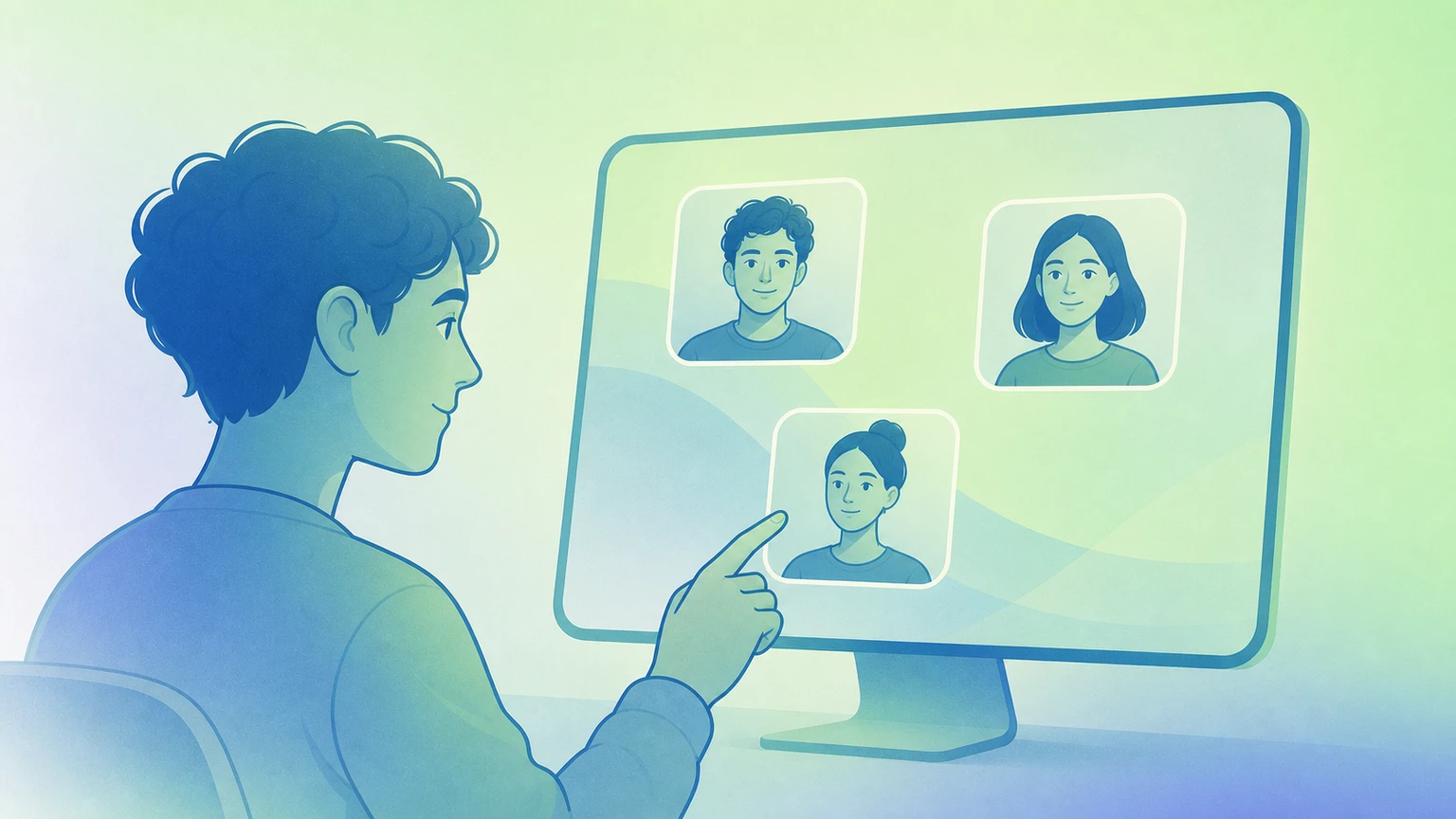
Getting Started With FaceScreen on Mac

Learn what FaceScreen does: camera overlays, branded text labels, and Ring Light. Then set it up for cleaner screen shares and recordings.

7 min read
Read the story

Preview

A practical walkthrough of your first FaceScreen session, including multi-camera layouts, Ring Light tuning, and shortcut setup for faster live demos.
Latest posts

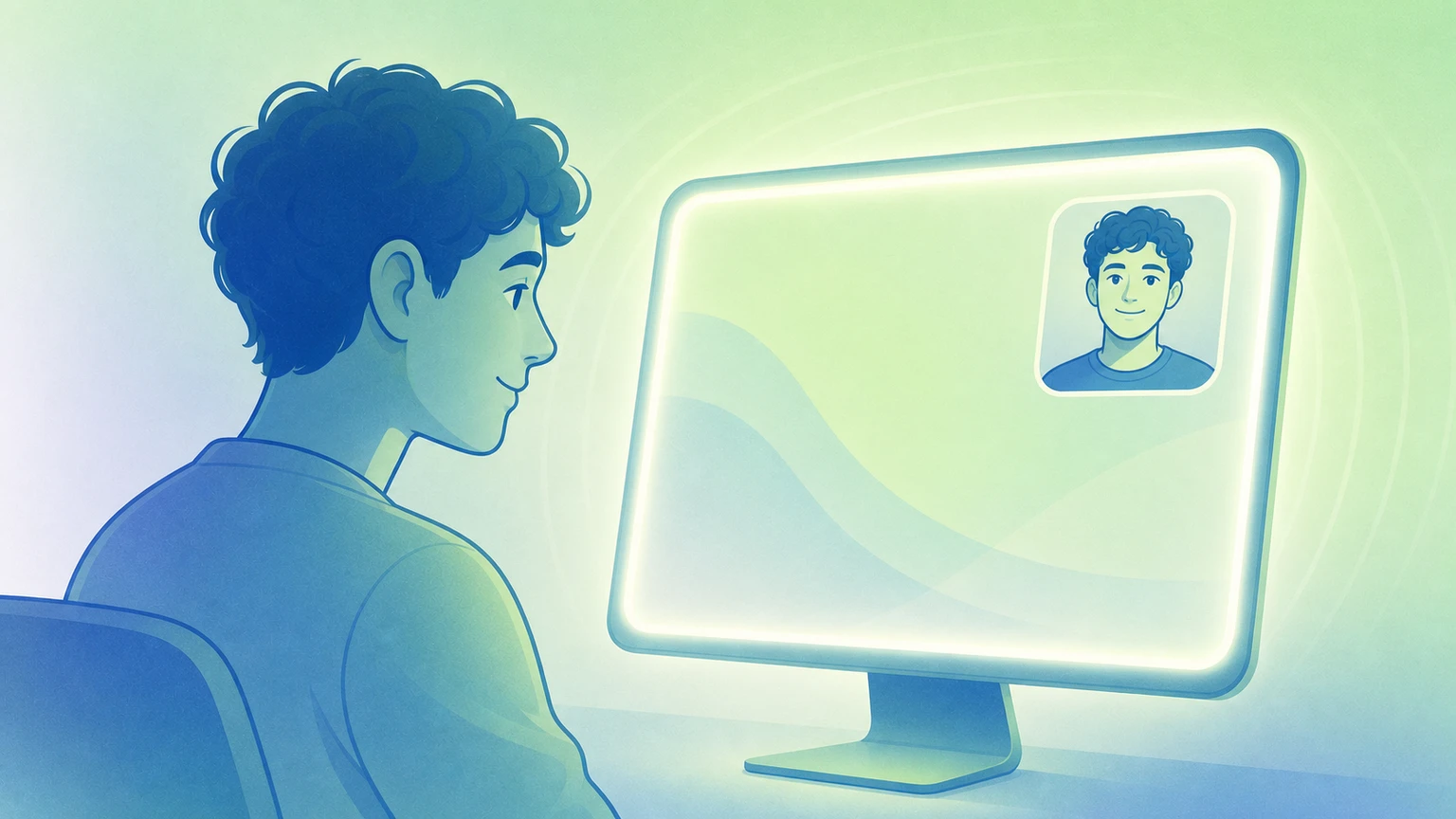
Mac Edge Light Went Viral: FaceScreen Ring Light Is Even Better
April 5, 20265 min read
Features

Mac Edge Light Went Viral: FaceScreen Ring Light Is Even BetterMac Edge Light Went Viral: FaceScreen Ring Light Is Even Better

Use your Mac screen as a soft light for video calls and recordings. Change warmth, brightness, and glow per display. No extra lamp. Works on macOS 15 and up.

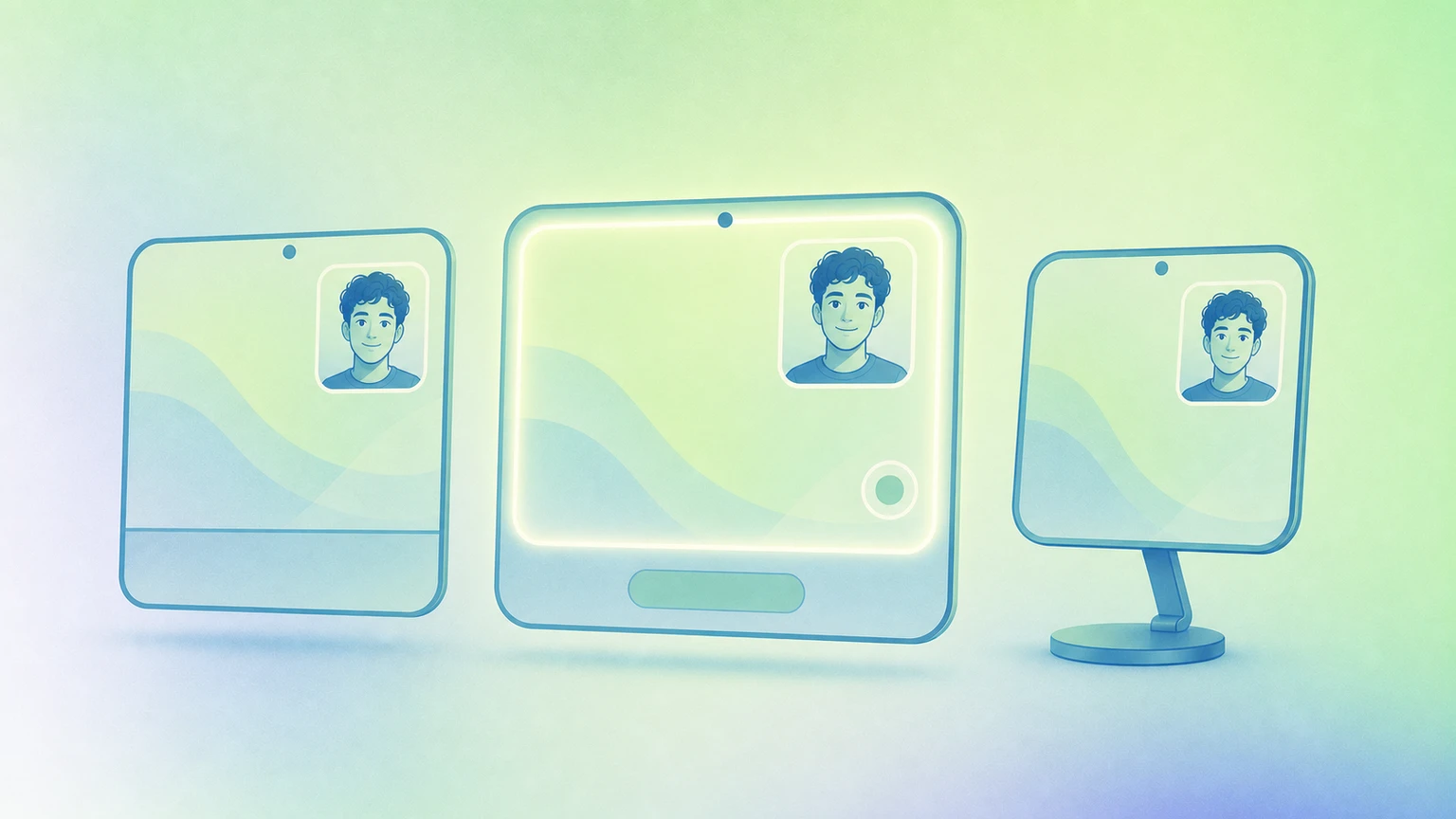
FaceScreen vs Hand Mirror vs Mirror Magnet for Mac
April 5, 20266 min read
Comparison

FaceScreen vs Hand Mirror vs Mirror Magnet for MacFaceScreen vs Hand Mirror vs Mirror Magnet for Mac

A practical feature-by-feature comparison of FaceScreen, Hand Mirror, and Mirror Magnet for camera overlays, ring light, and always-on-top workflows.

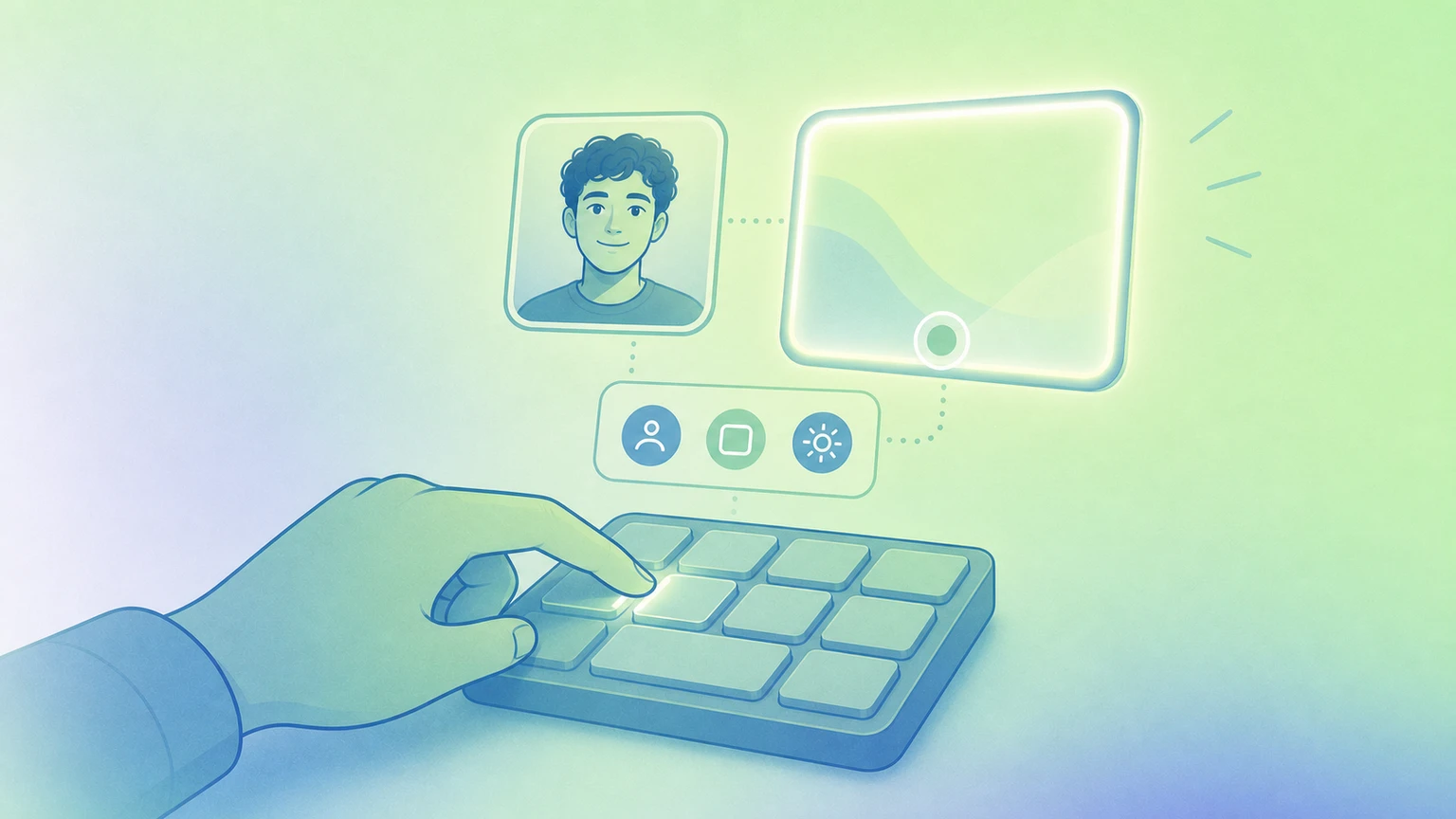
Keyboard Shortcuts That Speed Up FaceScreen
February 22, 20263 min read
Workflow

Keyboard Shortcuts That Speed Up FaceScreenKeyboard Shortcuts That Speed Up FaceScreen

Set up a few focused shortcuts to toggle camera, text overlays, and ring light without breaking your momentum.

Simple no-tricks pricing
Pay once, use forever

You can download the app from the Mac App Store, the Setapp marketplace, or directly from our website.